How do I order/personalise my item?
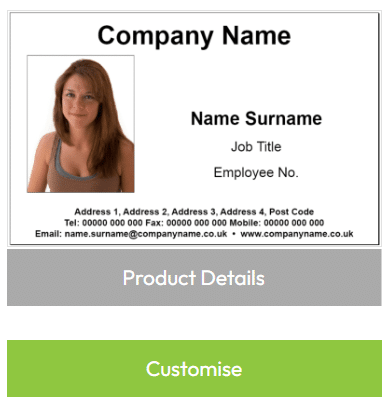
1) Navigate to ‘My Products‘ and locate the product you would like to personalise.
2) Click the green ‘Customise’ button for your chosen item…
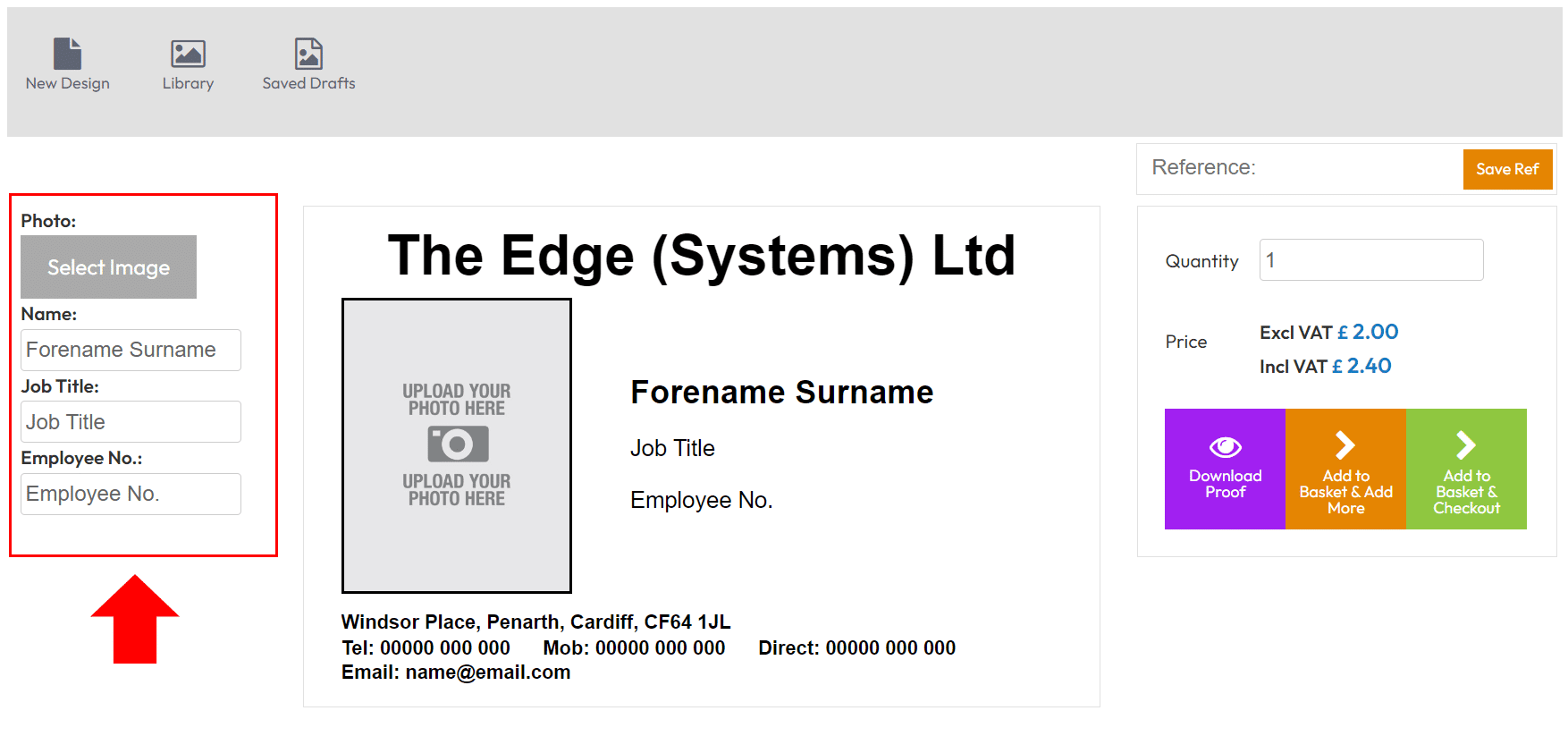
3) Use the fields on the left hand side to add/edit/remove data that you would like to appear on your item…
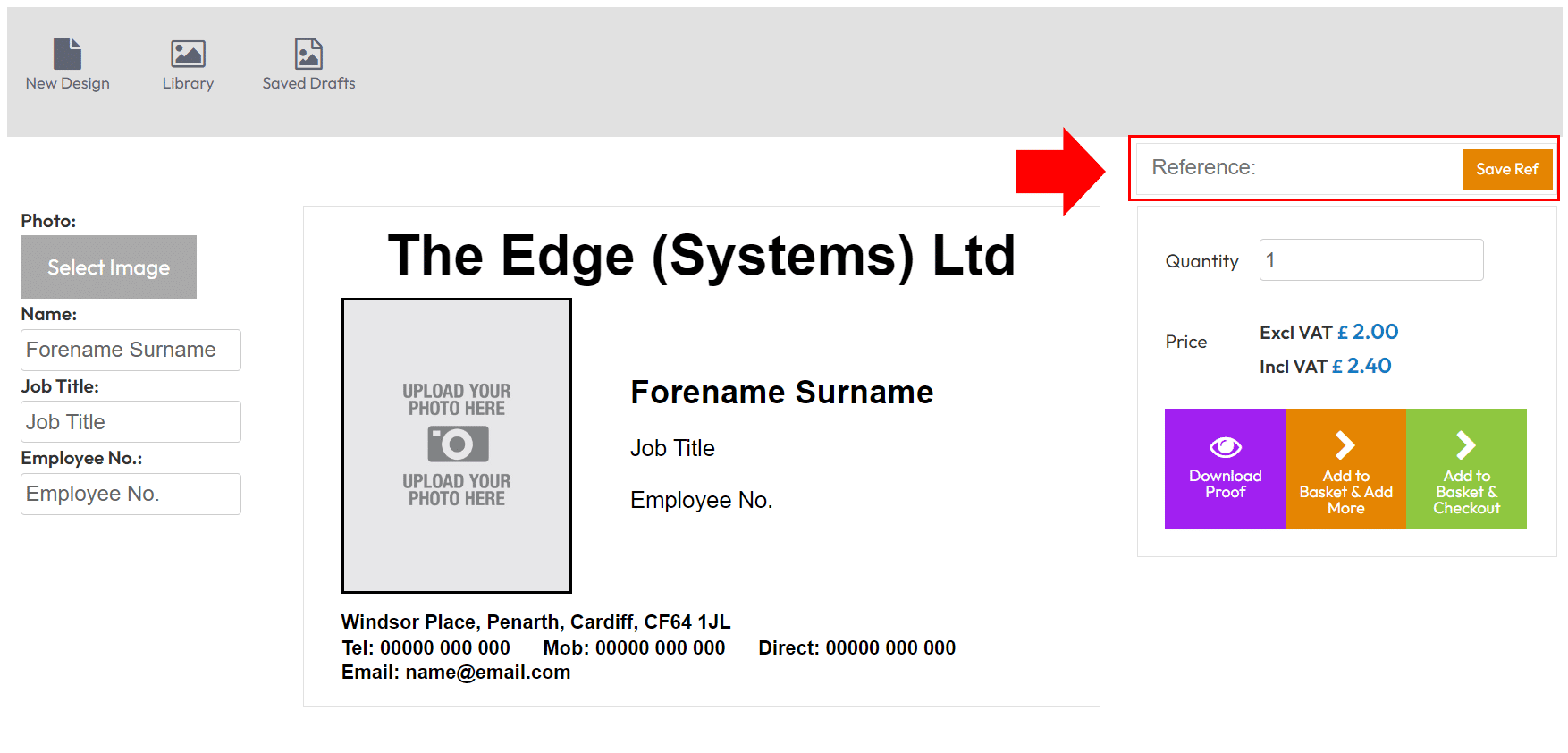
4) When you are done, enter a name in to the ‘Reference’ field and then click the ‘Save Ref’ button.
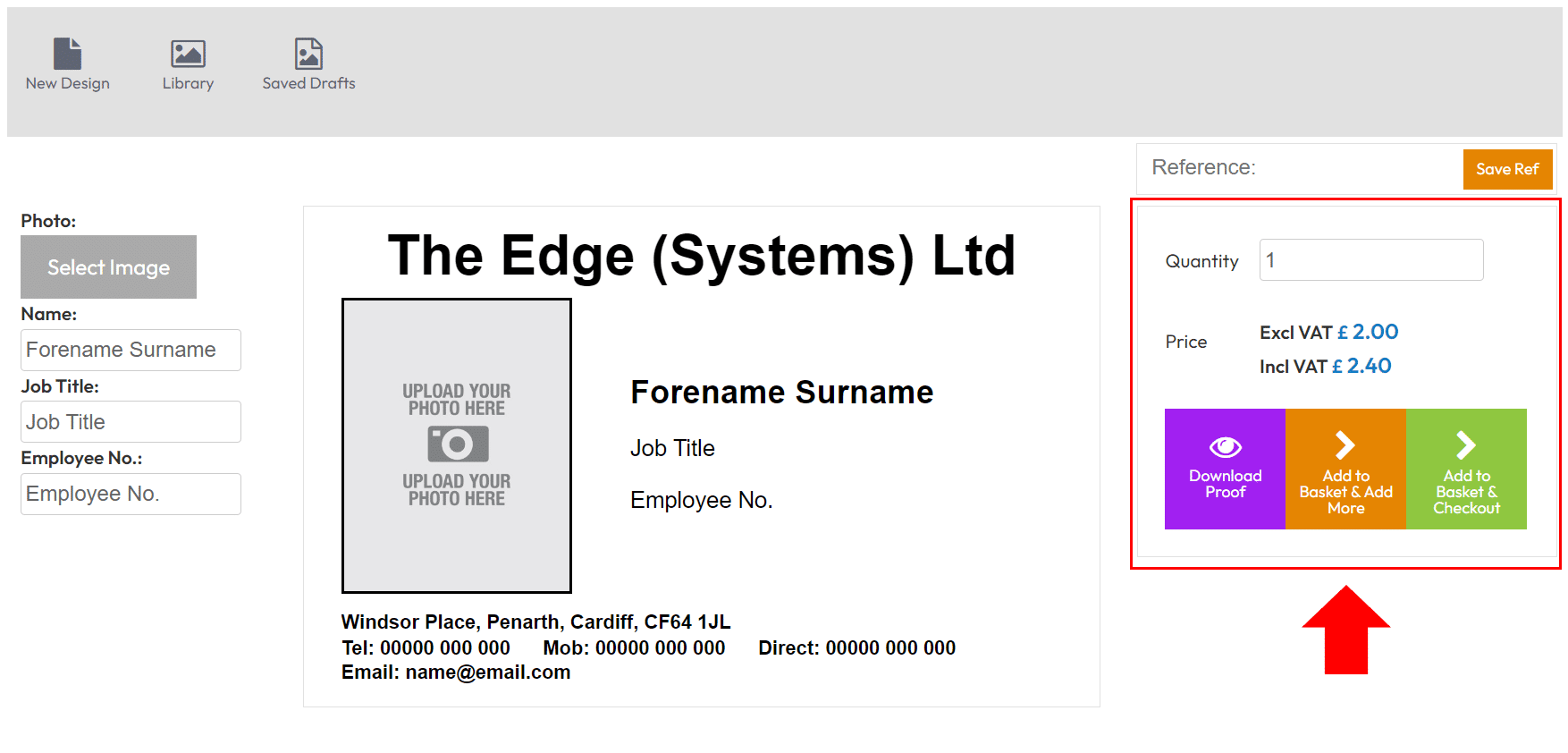
5) Enter/select your quantity and choose a button to decide your next action…
- Download Proof – download a PDF ‘PROOF’ of your design
- Add to Basket & Add More – add the item to your basket and personalise another item
- Add to Basket & Checkout – checkout your order